Moving a Live LoRaWAN Fleet to Your Own Network Server
The Day the Platform Changes Its Mind
Nobody plans a network server migration. It arrives as an email: a platform is being retired, a free tier is becoming a paid one, a company has been acquired and the roadmap has changed, or a compliance review has decided the data cannot live in that region any more. The deployment still works perfectly. The decision to move it was made by someone else.
This is not hypothetical. The Things Network's V2 stack was decommissioned and every device on it had to be migrated to V3 against a hard deadline. Plenty of operators have since watched other platforms restructure, reprice, or quietly stop investing. If your sensors are in customer buildings, in the ground, or on a mountainside, "we are changing our terms" is an operational event, not a commercial one.
The good news is that LoRaWAN is a standard and the devices in the field do not care whose server they talk to. The hard part is not technical capability, it is sequencing: how to move hundreds of devices that you may not be able to touch, without a gap in the data, and with a way back if something goes wrong.
A migration is not a database export. It is a key custody audit followed by a re-join campaign. Do the audit first, because it is the audit that tells you whether this is an afternoon of configuration or a truck rolling to every device you own.
Start With the Keys, Not the Server
Before anything else, answer one question for every device in the fleet: do you hold its DevEUI, JoinEUI, and AppKey? Those three values are the device's identity, and without them a device cannot be provisioned anywhere else. Everything about the shape, cost, and duration of your migration follows from the answer.
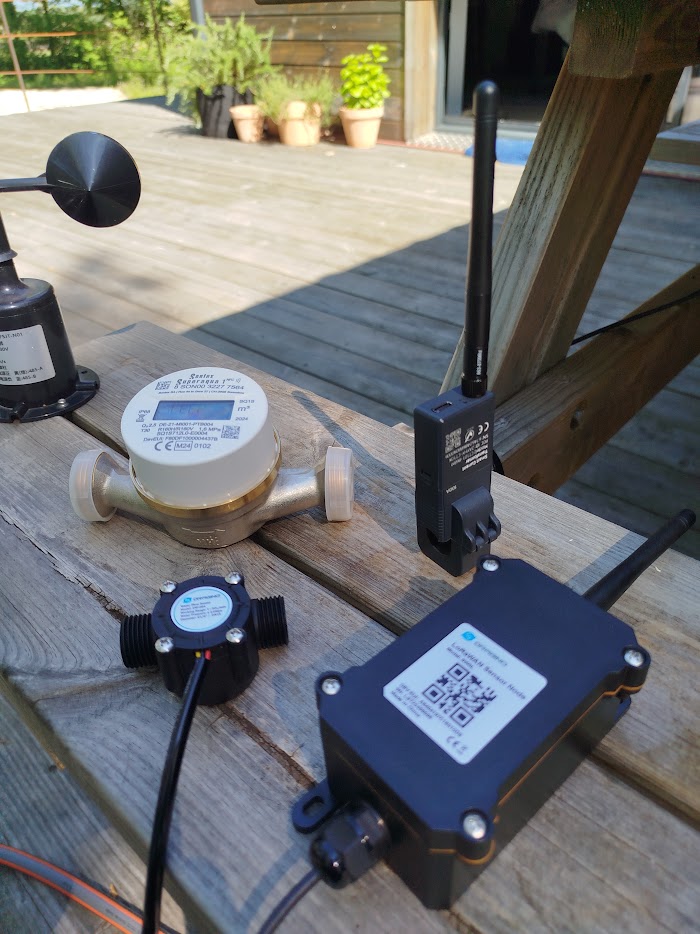
There are three cases and they are very different. If the keys were generated by you or your integrator at provisioning time and are recorded somewhere you control, migration is a configuration exercise. If the platform generated them but exports them, you retrieve them before you cancel anything, and you are also fine. And if the keys live in a manufacturer's join server or a vendor cloud that will not release them, the device cannot be moved by configuration at all: it has to be reprovisioned, which means NFC, a serial cable, a button, or a person standing in front of it.
That last case is why key custody appears in the device selection guide and in the security article, and why it is worth insisting on at purchase rather than discovering at migration. A device you cannot re-key is a device you have rented.
While you are auditing, collect the rest of what does not survive an account closure. Historical measurement data is usually the item people forget, because managed platforms rarely offer a bulk export and almost never after the account lapses. Device profiles, payload decoders, integration endpoints, API keys, and webhook consumers all need recording too. Your dashboards, ERP, or billing system are pointed at the old platform's endpoint, and they will keep pointing there after the devices have moved.
Why OTAA Migration Is a Re-Join Campaign
An OTAA session is negotiated, not stored. When a device joins, it and the network derive session keys, a DevAddr, and frame counters that exist only for that session. You cannot meaningfully copy that state to another network server and expect it to continue, and no serious platform offers to.
So a device moves by joining again. You provision it on the new server with the same DevEUI, JoinEUI, and AppKey, and the next time it sends a join request the new network answers, a fresh session is established, and it is migrated. That is the whole mechanism, and it is genuinely simple. The complexity is entirely in deciding when each device rejoins and making sure exactly one network answers.
There are several ways to trigger a rejoin. Many vendors accept a downlink command that resets the device or forces a new join, which is the cleanest option because it works from the network you are still running. A power cycle, magnet swipe, or button press does the same thing if someone is on site anyway. Devices that implement a rejoin backoff will migrate themselves once the old network stops answering, which is the trick that makes large fleets practical: you stop responding on the old side, and well-behaved firmware eventually gives up and re-joins, landing on the new server.
Two things bite people here. The first is that not all firmware implements that backoff, and a device that never rejoins on its own is a device that needs a visit. The second is DevNonce handling. Under LoRaWAN 1.0.4 and 1.1, the join server must reject a DevNonce it has seen before, so a device that restarts its nonce counter after a battery change can find itself permanently refused. A fresh server has no nonce history, which is exactly what you want on the way in, but know where your new server stores that list and how to clear it for one device, because you will need it.
ABP devices are the exception. They have no join procedure, so their DevAddr and session keys can simply be imported into the new server along with their frame counters. That sounds easier, and it is, right up to the moment you notice the old platform assigned a DevAddr out of its own address range. It will keep working on your network, but it is a borrowed identity, and this is one more reason the security article argues for OTAA in the first place.
The Gateways Are the Easy Part
Devices are the hard problem. Gateways are almost trivial, and this asymmetry is what makes a clean migration possible.
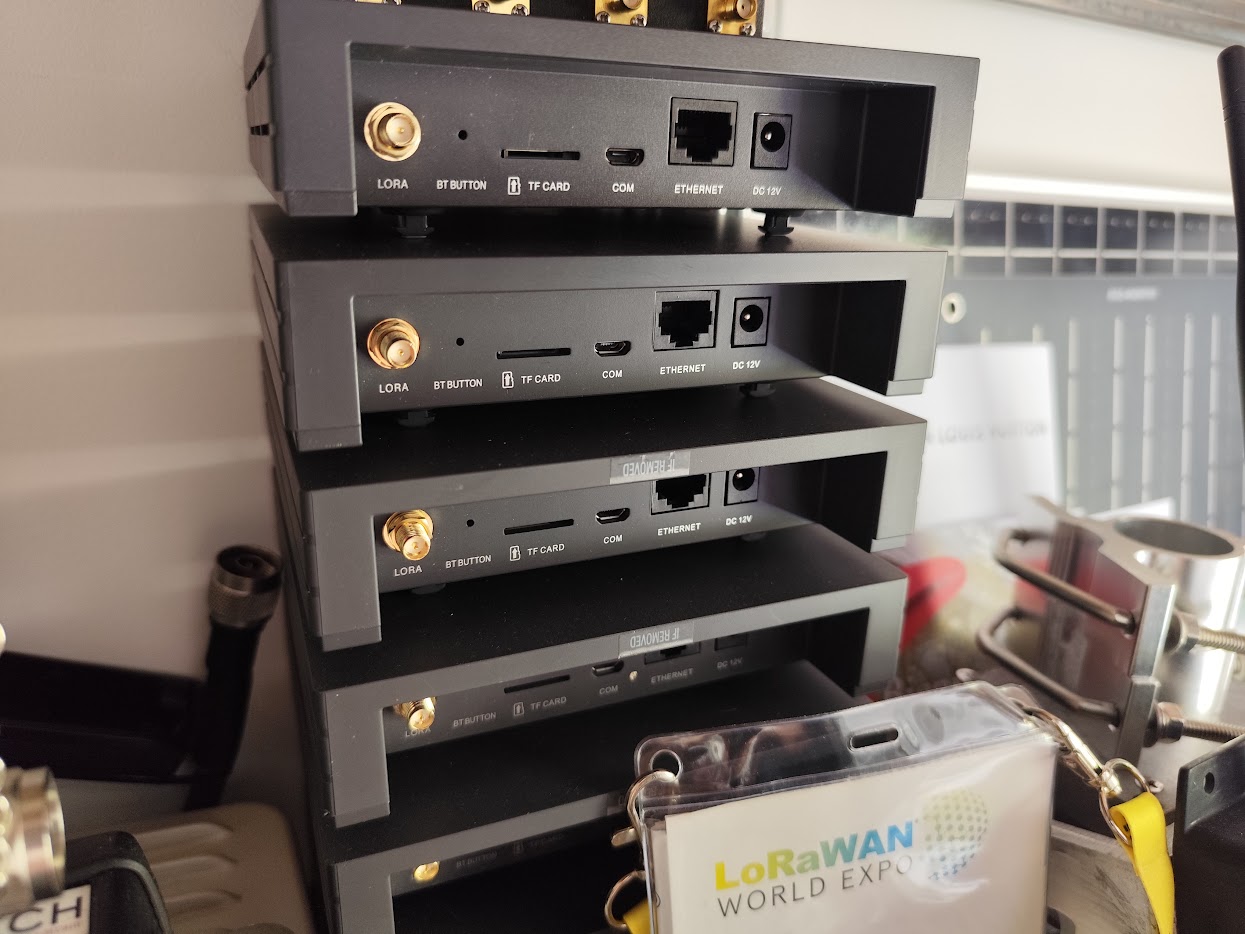
A gateway does not hold device state. It forwards radio packets to whatever address it is configured with, so repointing one is a configuration change and nothing more. The mechanics depend on the protocol, as covered in gateway protocols: a Semtech UDP packet forwarder needs a new server address and port, while a Basics Station gateway needs a new LNS URI and usually new credentials and certificates, which is a slightly longer job but still just configuration.
The important part is that you do not have to choose. A gateway's traffic can be sent to both network servers at once, and that changes the entire risk profile of the migration.
Running Both Networks Side by Side
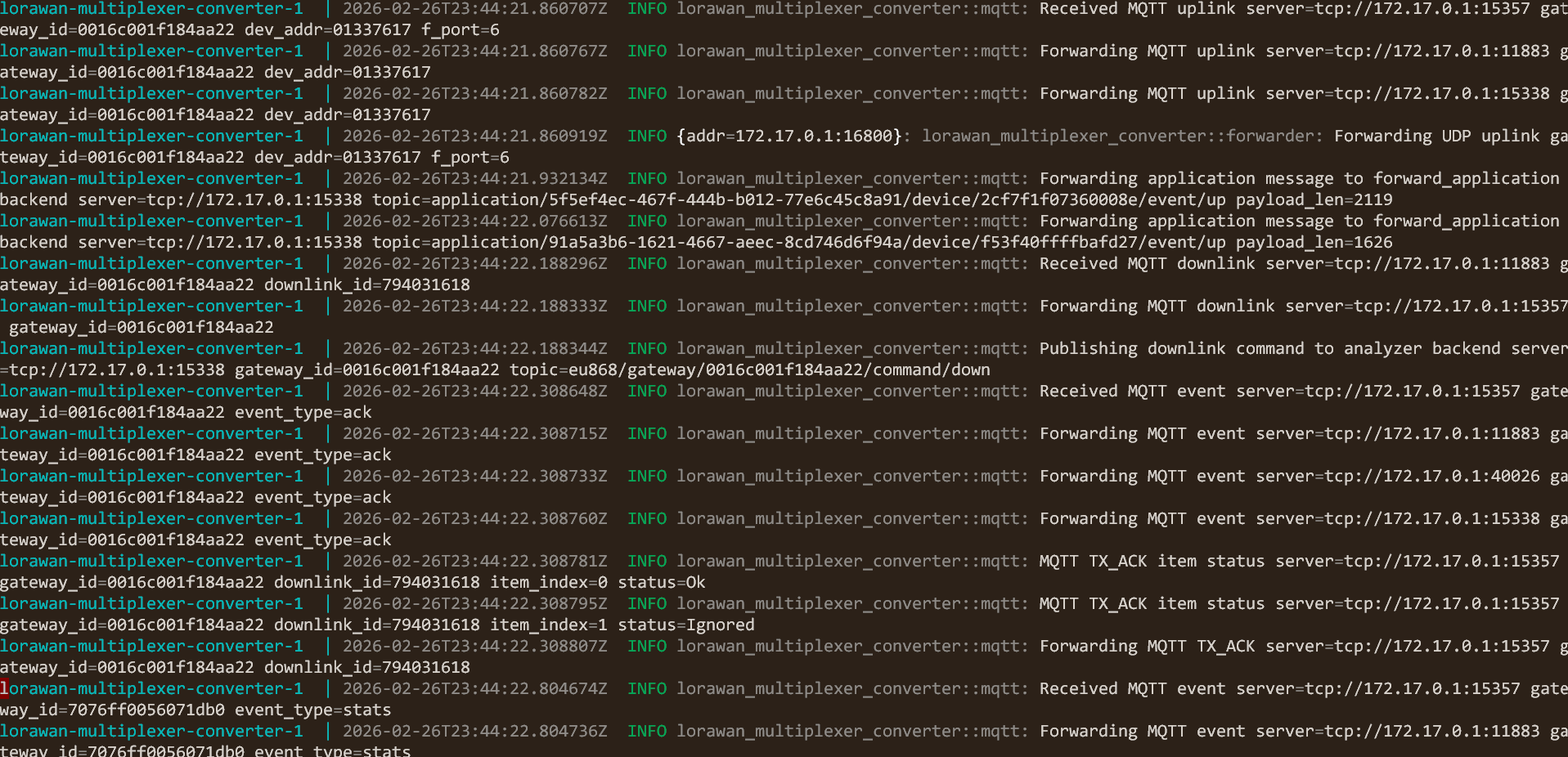
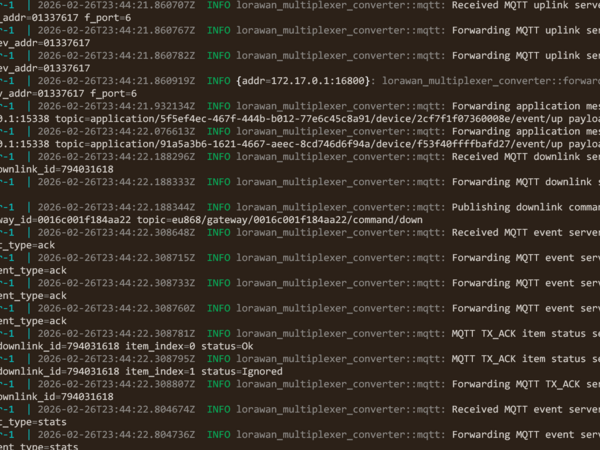
A packet multiplexer sits between your gateways and your network servers and fans the same traffic out to several destinations at once. I maintain an open source one that does this across Semtech UDP, Basics Station, and ChirpStack MQTT, converting between them as needed, which means old gateways can feed a new server without being replaced or reflashed.
For a migration this gives you something valuable: both the old and the new network see every uplink from every device, for as long as you want. Nothing is cut over in a single irreversible step. Devices that have not migrated yet keep working exactly as before on the old platform, devices that have migrated work on the new one, and both sets of data land in their respective systems throughout.
The one thing you must control is who answers. If both network servers believe they own a device, both may respond to its join request, and two join accepts arriving in the same receive window is a real problem. This is where the multiplexer's filtering matters: allow and deny rules on JoinEUI prefix, DevAddr, and gateway EUI let you decide which network server sees which join traffic. Devices in the current migration wave have their joins routed only to the new server. Everything else continues to reach only the old one. The device population is split by rule rather than by hope.
That filtering is also your rollback. If a wave misbehaves, you reverse the rule, and because the device's keys are unchanged on the old platform it rejoins there. A migration you can undo in a config file is a migration you can run on a Tuesday afternoon.
A Cutover That Does Not Go Dark
The sequence that works looks like this, and most of it happens before anything moves.
Audit the keys and export the history first, while the old account is healthy and fully paid. Stand up the new server next, mirroring device profiles, regional settings, and payload decoders, and prove it end to end with two or three lab devices before a single field device is touched. Then insert the multiplexer and point the gateways at it, fanning traffic to both servers with all join traffic still filtered to the old one. At this stage nothing has migrated and nothing has changed, which is exactly the point: you have already done the risky infrastructure work while the network was fully operational.
Then migrate in waves, smallest first. A wave is a group of devices you provision on the new server, move in the join filter, and trigger. Watch each wave for a full reporting cycle plus a margin before starting the next one, because a device reporting every six hours cannot be declared healthy after ten minutes. Sequence the waves so that the easy ones come first: mains-powered devices you can command remotely, then battery devices with a rejoin downlink, then the ones that need a site visit, which you batch into as few trips as possible.
Move the downstream consumers when the devices are stable, not before. Dashboards, databases, alerting and any integration that reads from the platform have to be repointed at the new server, and running both pipelines in parallel for a period is cheap insurance. Only when the last wave has been through a full cycle do you drop the old platform, and only then do you cancel the account.
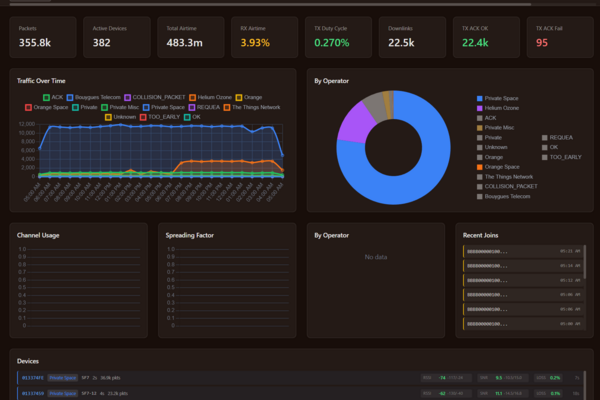
Keep an independent view of the traffic while you do it. A traffic analyzer watching the multiplexer's monitoring output shows every packet regardless of which server it is destined for, which means you can see a device join, see which network answered, and see whether it went quiet, without asking either platform to grade its own work.
What Goes Wrong
Almost every painful migration I have seen failed for one of a handful of reasons, and none of them are exotic.
Cancelling the old account too early is the most expensive. The moment it lapses you lose the historical data, the key export if you had not already taken it, and the fallback path all at once. Keep it running one full billing period longer than you think you need.
Assuming payload decoders are portable is the most common. The JavaScript is broadly similar between platforms, but function signatures, input objects, and return shapes differ, and a decoder that silently returns nothing produces uplinks arriving with no data, which looks like a radio problem and is not. Port and test them against real captured payloads before the wave that needs them.
Forgetting the consumers is the quietest. The devices migrate, the new server fills with data, and nobody notices for a week that the operations dashboard is still reading from an endpoint that has stopped updating.
And underestimating the physical work is the one that wrecks schedules. If ten percent of the fleet cannot be re-keyed remotely, that ten percent is the project. Find that number during the audit, not during the rollout, which is the same lesson the pilot to production article draws about everything else that scales badly.
Is It Worth Doing At All
Sometimes not, and it is worth saying so plainly. A small fleet on a platform that suits you, at a price you are happy with, is not a problem waiting to be solved. Migration costs real engineering time and carries real risk.
The case for moving is strongest when the numbers or the exposure justify it. Recurring per-device fees that grow with a fleet compound quickly, and the total cost of ownership article works through where the crossover sits. Data residency or audit requirements can make a hosted platform simply non-compliant. And there is the structural argument that applies whatever your current platform charges: as long as somebody else operates your network server, the terms of your deployment are theirs to change. That is the argument for running your own server, and a migration is what it costs to act on it once rather than renegotiate it forever.
What I Provide
I move live LoRaWAN deployments off managed platforms onto infrastructure the client owns, without downtime. That starts with the key custody audit that determines whether a migration is even possible by configuration, and continues through standing up and hardening ChirpStack, porting device profiles and payload decoders, and planning the wave sequence around what your devices and your access to them actually allow.
The parallel-run approach uses my own open source multiplexer and traffic analyzer, so both networks run side by side, every join is visible while it happens, and every wave has a rollback that takes one configuration change. Both tools are MIT licensed and on GitHub, so nothing about the method depends on continuing to pay me for it.
The work includes repointing the downstream systems, the dashboards, the databases and the integrations, and handing over documentation your team can run the next change with. Everything comes with source code, there are no recurring fees, and at the end the network is yours in the sense that matters: nobody else can decide to retire it.
Working on a LoRaWAN project?
If this article touches on something you're building, tell me about it. The first conversation is free, and you'll get an honest read on the right approach for your situation.
Book a Free ConsultationCurious what the finished thing looks like? Open the live demo dashboard