LoRaWAN Total Cost of Ownership: What 5 Years of IoT Really Costs
The Real Cost of IoT
Every IoT vendor shows you the per-unit sensor price. Few show you the total cost of ownership. The gateway costs €500. The sensor costs €80. But between those numbers and a working system that delivers value for five years sits a list of expenses that catches most organizations off guard. And one cost category, hiding in a managed platform's per-device subscription, can quietly grow larger than your entire hardware budget.
Whether you're monitoring a factory, a farm, a city, or a portfolio of commercial buildings, the cost structure is the same: a visible hardware price up front, and a long tail of infrastructure, labour, and recurring fees that decides whether the project pays back or bleeds money. In many regions the question is no longer optional, either. Energy-performance regulations (the EU's building directive is one example) increasingly require monitoring, which turns "should we deploy IoT?" into "how much will it cost over the life of the system?"
Understanding these costs before committing to a platform or vendor prevents the painful realization eighteen months in that your "affordable" IoT solution costs three times what you budgeted, and that you signed up for it every month, indefinitely.
Hardware Costs: The Visible Part
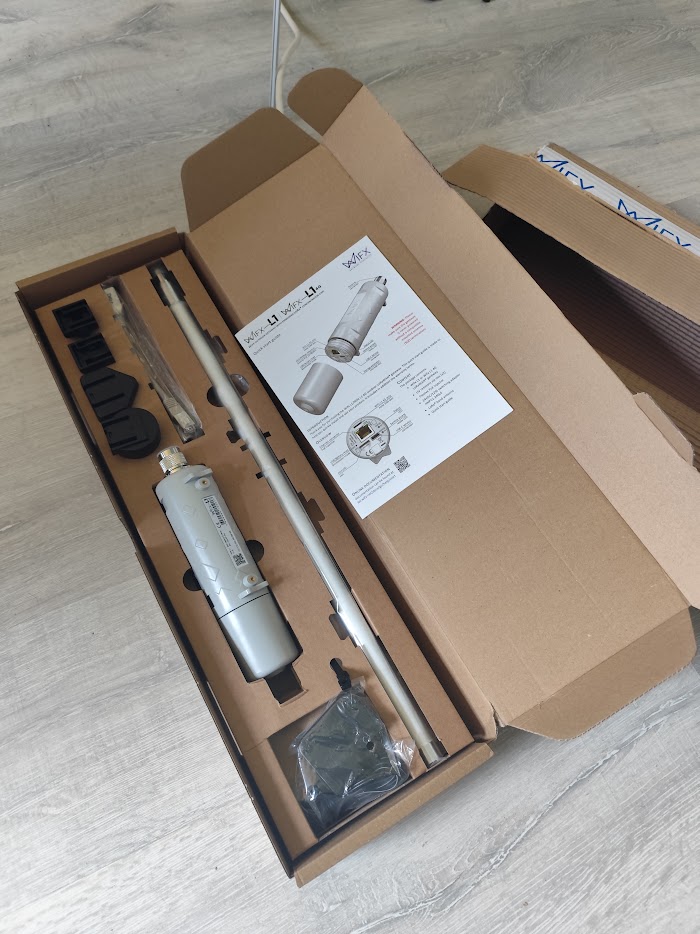
Gateways
| Gateway Class | Price Range | Typical Use |
|---|---|---|
| Consumer/maker | €100-200 | Lab testing, prototypes |
| Professional indoor | €200-400 | Office buildings, warehouses |
| Industrial outdoor | €400-800 | Production deployments, harsh environments |
| Carrier-grade | €800-2000+ | Telecom infrastructure, city-wide coverage |
How many gateways? Depends entirely on environment, which is why range testing before you commit gateway locations pays for itself. A single industrial gateway covers 3-5 km in open terrain but might cover only 500 meters in a dense urban core. Typical deployments:
- Single building: 1 gateway
- Campus/facility: 2-4 gateways
- Farm/estate: 2-5 gateways
- Small city district: 5-15 gateways
The costs that never make the quote are mounting hardware, weatherproof enclosures (if not included), PoE injectors or solar panels for remote locations, cellular backhaul modems for sites without Ethernet, and lightning protection for exposed mast installations.
Sensors and Devices
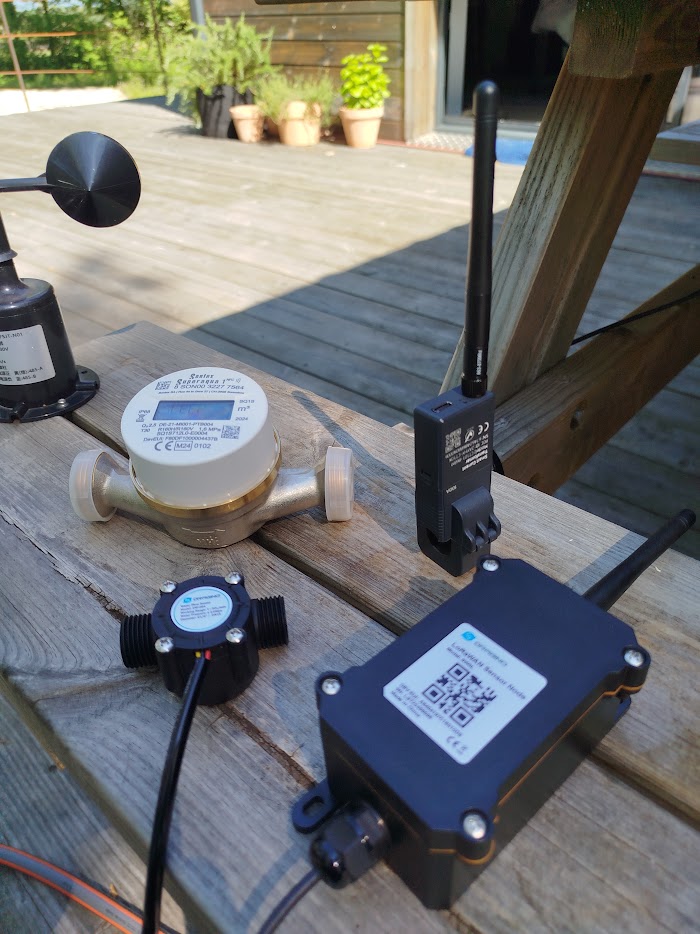
Sensor prices vary enormously by type and quality:
| Sensor Type | Price Range | Battery Life |
|---|---|---|
| Temperature/humidity | €20-60 | 3-8 years |
| Door/window contact | €15-40 | 5-10 years |
| Water pulse counter | €40-80 | 5-8 years |
| CT clamp (electricity) | €60-150 | 3-5 years (or self-powered) |
| GPS tracker | €50-150 | 6 months-3 years |
| Soil moisture | €40-100 | 3-5 years |
| Air quality (CO2/VOC) | €80-200 | 2-4 years |
| Weather station | €200-800 | Solar/mains powered |
| Parking occupancy | €80-150 | 5-8 years |
Volume matters. Buying 10 sensors costs significantly more per unit than buying 500. Negotiate pricing before scaling. Many manufacturers offer project pricing for orders above 100 units.
Antennas and Accessories
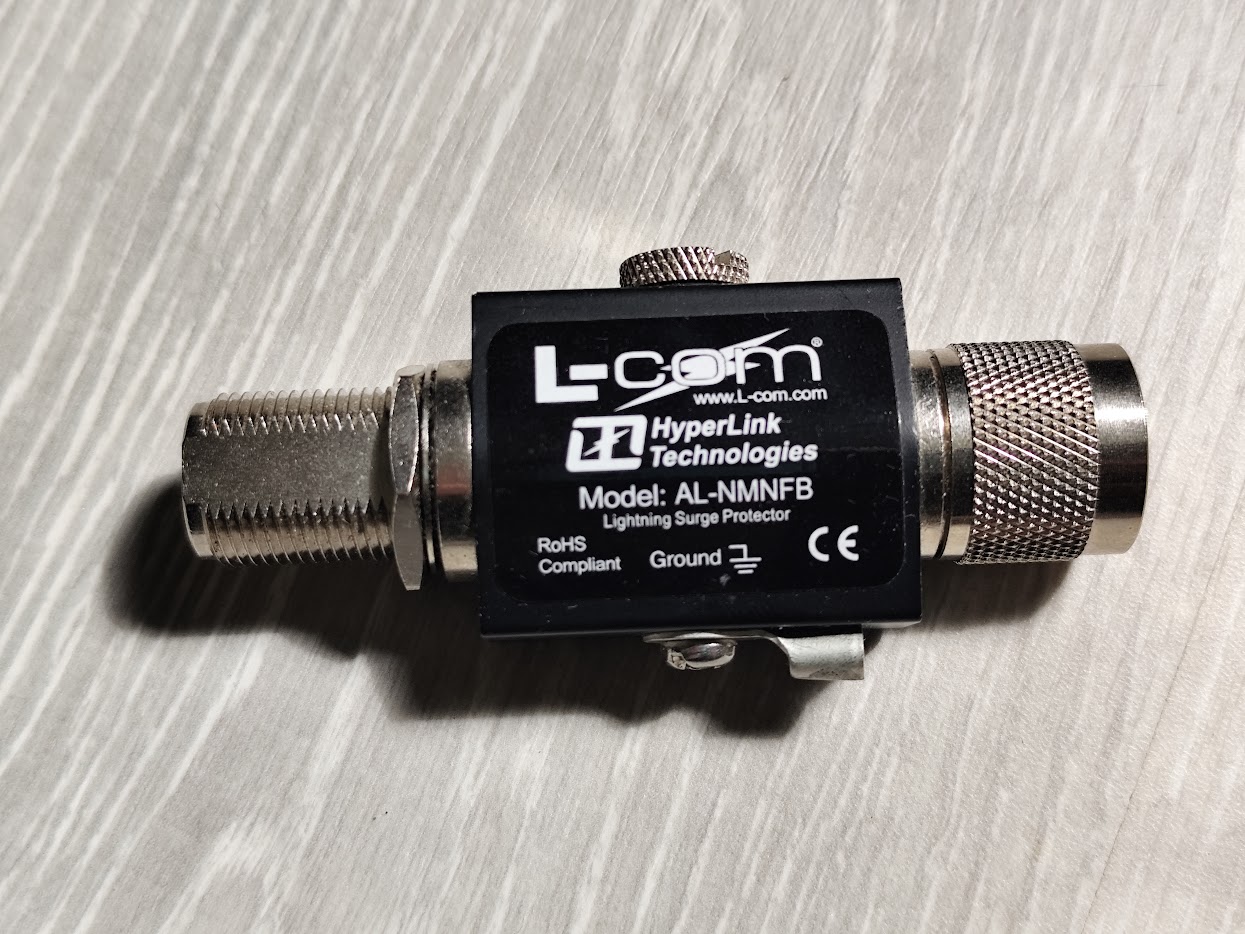
Often forgotten in initial budgets:
- Gateway antennas: €20-80 (stock antenna is often adequate)
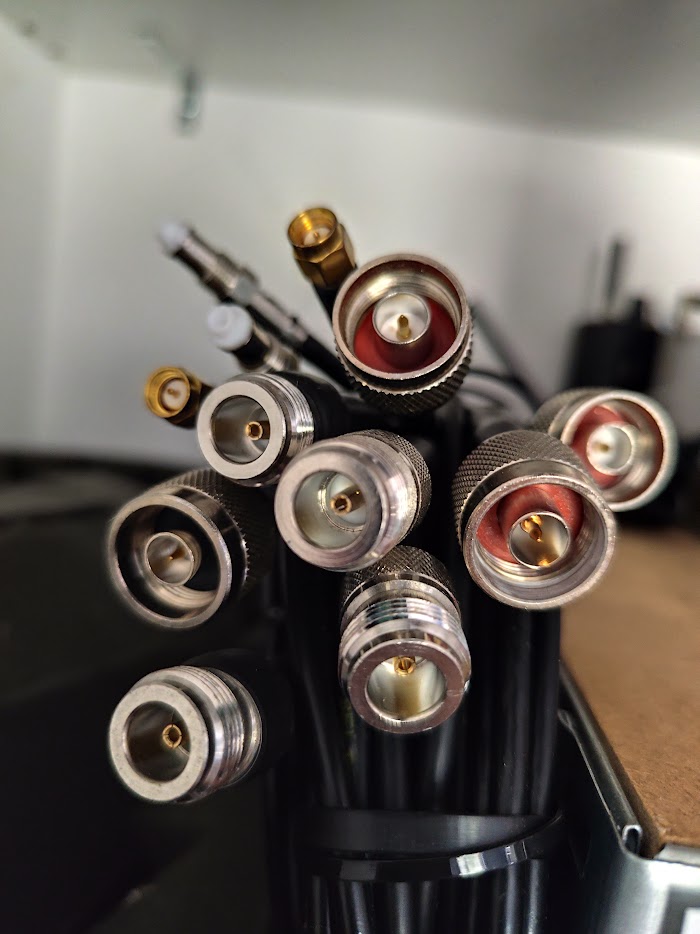
- Antenna cables and connectors: €10-30
- Mounting poles and brackets: €20-100
- Surge protectors: €30-60
- Waterproof enclosures: €20-50
Infrastructure Costs: Self-Hosted vs Managed
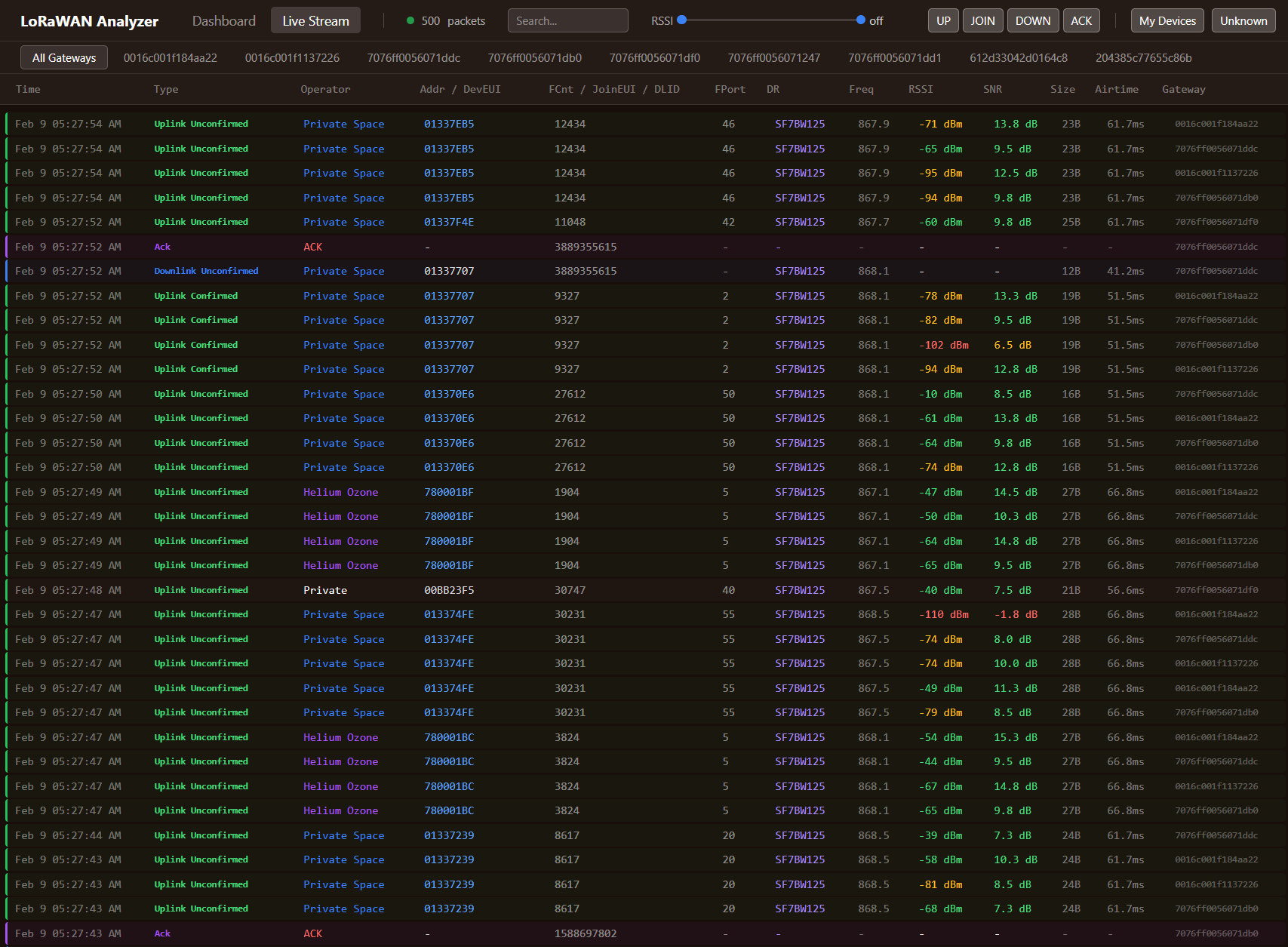
This is where the long-term cost difference between approaches becomes dramatic.
Self-Hosted (ChirpStack + InfluxDB + Grafana)
A basic Linux server, physical or a cloud VM, handles thousands of devices on 2 CPU cores, 4 GB of RAM and 50 GB of storage.
| Component | Cost |
|---|---|
| Cloud VM (typical) | €10-30/month |
| Domain name | €10-15/year |
| SSL certificate | Free (Let's Encrypt) |
| ChirpStack | Free (open source) |
| InfluxDB | Free (open source) |
| Grafana | Free (open source) |
| Annual total | €130-375 |
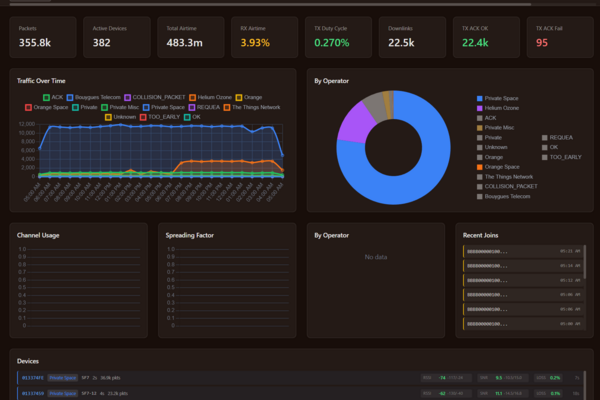
This covers the network server, time-series database, and visualization platform for unlimited devices. The cost is the same whether you have 10 sensors or 10,000. The demo dashboard runs on exactly that arrangement: one small server carrying every device on it, no per-device fee anywhere in the bill, and nothing that changes when the next batch of sensors joins.
Managed Platform (SaaS)
| Provider Type | Typical Pricing | Notes |
|---|---|---|
| Basic IoT platform | €0.50-2/device/month | Data storage, basic dashboards |
| Enterprise platform | €2-10/device/month | Advanced features, SLAs, support |
| Carrier IoT service | €1-5/device/month + SIM fees | Bundled connectivity |
Run the same comparison out to 500 devices and the shape becomes obvious:
| Approach | Year 1 | Year 2 | Year 3 | Year 4 | Year 5 | 5-Year Total |
|---|---|---|---|---|---|---|
| Self-hosted | €300 | €300 | €300 | €300 | €300 | €1,500 |
| Basic SaaS (€1/device/mo) | €6,000 | €6,000 | €6,000 | €6,000 | €6,000 | €30,000 |
| Enterprise SaaS (€5/device/mo) | €30,000 | €30,000 | €30,000 | €30,000 | €30,000 | €150,000 |
The self-hosted approach costs 95-99% less for infrastructure over five years. The tradeoff is that you need the expertise to set it up and maintain it, which is exactly what a consultant provides as a one-time cost, not an ongoing subscription. The case for running your own network server is worth an article of its own.
Deployment Labor
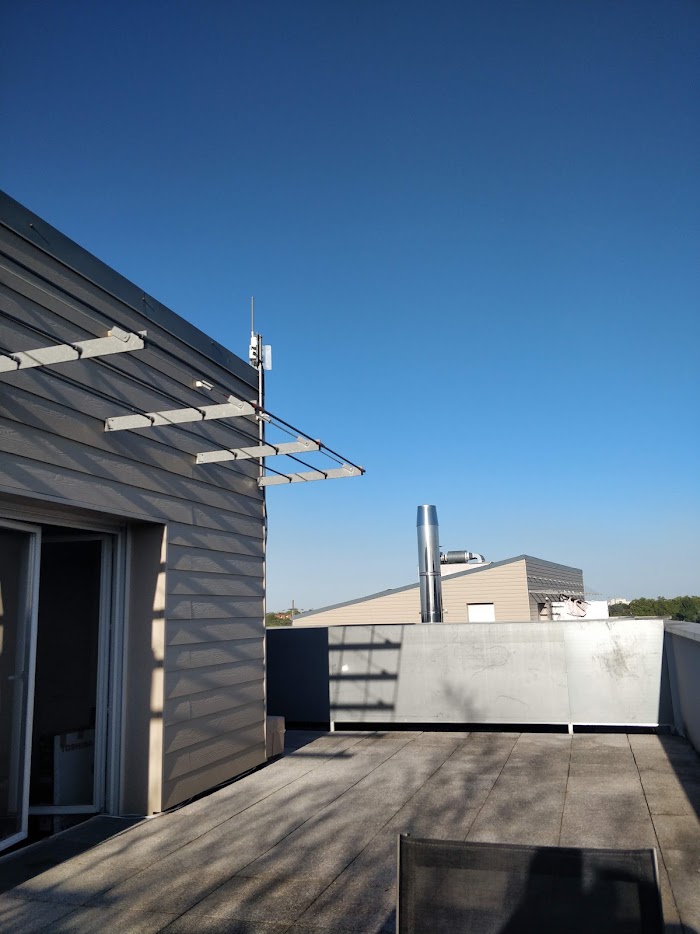
The most frequently underestimated cost category.
Site Survey and Planning
- RF coverage assessment: walking the site with test equipment
- Gateway location identification: power, Ethernet, mounting points
- Sensor placement planning: where readings are needed
- Network architecture design: server topology, data flow
Typical effort runs 1-3 days depending on site complexity.
Physical Installation
- Gateway mounting and cabling
- Sensor placement and activation
- Network connectivity verification
- Coverage validation testing
Typical effort per gateway is 2-4 hours including mounting, cabling and testing, and more for mast installations or anywhere needing scaffolding or a lift.
Typical effort per sensor is 15-45 minutes for simple sensors (stick to wall, activate). 1-2 hours for sensors requiring integration with existing equipment (CT clamps on electrical panels, pulse counters on water meters).
Configuration and Integration
- Network server setup and configuration
- Device provisioning and registration
- Data pipeline configuration (MQTT → database)
- Dashboard creation and alert setup
- Integration with existing systems (BMS, ERP, billing)
Typical effort runs 2-10 days depending on complexity and the number of integrations.
Ongoing Maintenance Costs
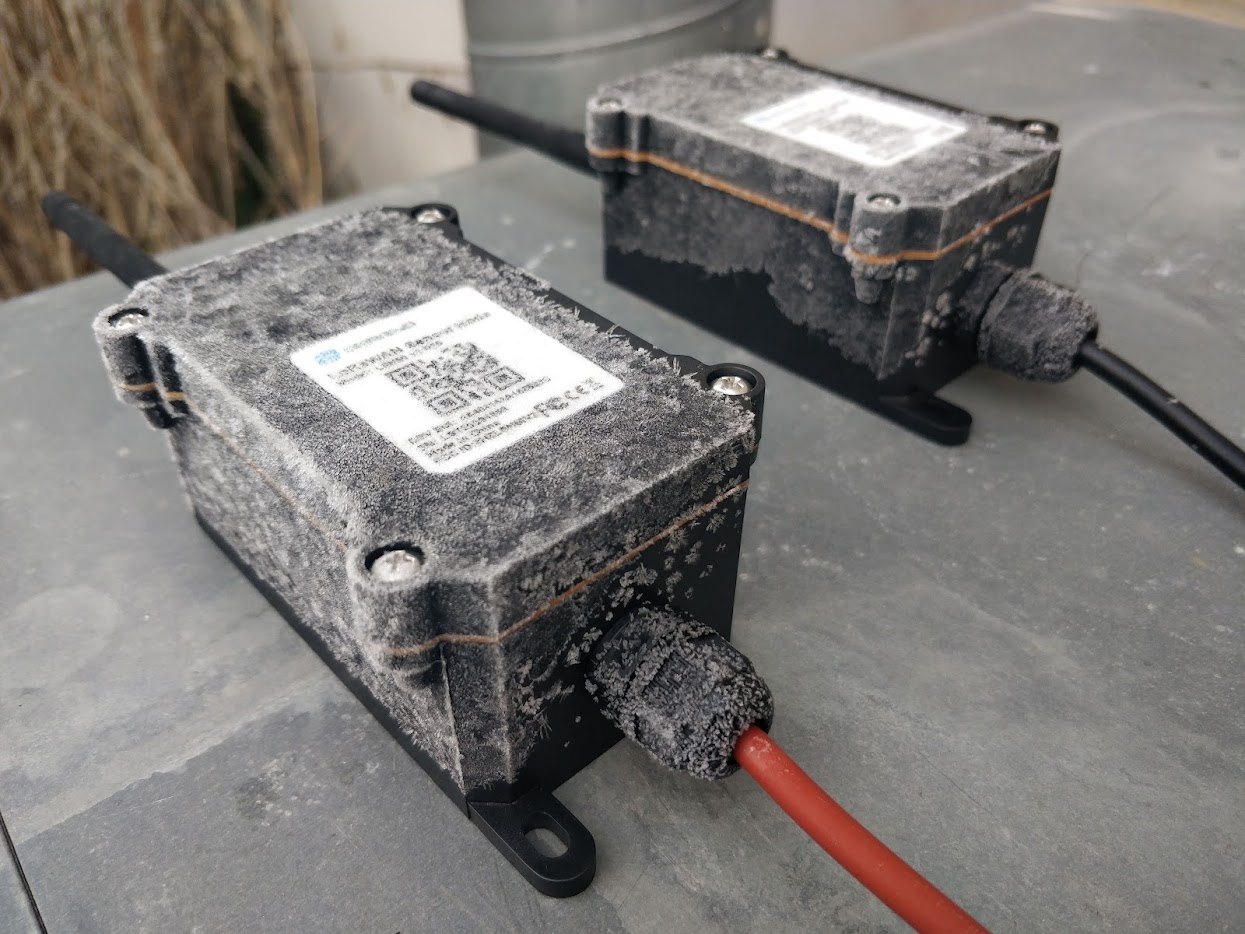
Battery Replacements
The hidden recurring cost of any battery-powered IoT deployment. With 500 sensors averaging 5-year battery life, you're replacing ~100 batteries per year from year 3 onward.
- Battery cost: €2-15 per sensor depending on type
- Labor: 15-30 minutes per sensor (locating, opening, replacing, verifying)
That comes to roughly €500-3,000 a year from year 3 onward for 100 replacements, batteries and labor together.
Some organizations stockpile replacement sensors instead of replacing batteries, which is faster and ensures fresh electronics. Factor this into your budget.
Software Maintenance
Self-hosted infrastructure needs periodic attention:
- Security updates for the operating system: quarterly
- ChirpStack version upgrades: 1-2 per year
- Database maintenance (retention policy cleanup, backup verification): monthly
- SSL certificate renewal: automatic with Let's Encrypt
- Dashboard updates as requirements evolve: as needed
Typical effort is 2-4 hours per month for a well-configured system, and most of that can be automated away.
Hardware Failures
Even industrial-grade equipment fails eventually:
- Gateway failure rate: <2% per year for quality hardware
- Sensor failure rate: 1-5% per year depending on environment and quality
- Budget 3-5% of hardware value annually for replacements
Network Monitoring
Someone needs to notice when things break:
- Automated alerts for gateway offline events
- Sensor heartbeat monitoring (no data = investigate)
- Data quality checks (readings within expected ranges)
A well-configured Grafana dashboard with alerting handles most of this automatically. The labor cost is responding to alerts, not generating them.
Hidden Costs That Blow Budgets
Cellular Backhaul for Remote Gateways
Gateways need internet connectivity. In buildings, this is usually Ethernet, at no additional cost. For remote locations (farms, construction sites, rural infrastructure), you need cellular backhaul:
- 4G modem: €50-150
- SIM data plan: €5-20/month per gateway
Over five years that is €300-1,200 per remote gateway in data plans alone, before the modem.
SIM Fees for NB-IoT/Cellular Alternatives
If you chose cellular IoT instead of LoRaWAN:
- Per-device SIM fee: €0.50-5/month
- 500 devices × €2/month × 60 months = €60,000 in SIM fees alone
- This single cost category often exceeds the entire LoRaWAN deployment budget
Firmware Updates
Devices in the field occasionally need firmware updates (bug fixes, protocol changes, feature additions). With LoRaWAN's FUOTA (Firmware Update Over The Air), this is possible but slow due to low data rates. Planning for this capability adds complexity to device selection and network configuration.
Scope Creep
The most dangerous hidden cost. The first building gets 20 sensors monitoring temperature for EPBD compliance. It works. Now facilities wants humidity. And CO2. And occupancy, to right-size the HVAC. And water flow. And electricity sub-metering for tenant billing. Each addition seems small, but it compounds, then multiplies again the moment you roll the same expanded scope across the rest of the portfolio.
This is also where the platform decision compounds: on a per-device SaaS plan, every sensor you add is another monthly fee forever; on owned infrastructure, it's free. Scope creep is far cheaper to live with when adding devices doesn't raise your subscription.
The mitigation is to define clear scope boundaries at the outset. Budget a 20-30% contingency for "we didn't think of that" additions, and choose an architecture where adding sensors doesn't inflate your recurring cost.
5-Year TCO Model: A 200-Device Building Deployment
A realistic example: a multi-tenant commercial building with water sub-metering, electricity monitoring, temperature sensing, and air quality measurement, the sensor mix building monitoring typically calls for. Whatever this works out to per device is the number that matters, because it's what you'll multiply across every building in the portfolio.
Hardware
| Item | Quantity | Unit Cost | Total |
|---|---|---|---|
| Industrial gateway | 2 | €500 | €1,000 |
| Water pulse counters | 40 | €60 | €2,400 |
| CT clamp sensors | 40 | €100 | €4,000 |
| Temperature sensors | 80 | €35 | €2,800 |
| CO2/air quality sensors | 40 | €120 | €4,800 |
| Mounting hardware, cables | 1 | €500 | €500 |
| Hardware subtotal | €15,500 |
Infrastructure (5 years)
| Item | Annual Cost | 5-Year Total |
|---|---|---|
| Cloud server (self-hosted) | €240 | €1,200 |
| Domain + DNS | €15 | €75 |
| Infrastructure subtotal | €1,275 |
Deployment Labor
| Task | Hours | Rate | Total |
|---|---|---|---|
| Site survey + planning | 16 | €120 | €1,920 |
| Gateway installation | 8 | €120 | €960 |
| Sensor installation | 100 | €80 | €8,000 |
| Server setup + config | 24 | €120 | €2,880 |
| Dashboard + integration | 40 | €120 | €4,800 |
| Training | 8 | €120 | €960 |
| Labor subtotal | €19,520 |
Ongoing Maintenance (5 years)
| Item | Annual Cost | 5-Year Total |
|---|---|---|
| Battery replacements (from year 3) | €800 | €2,400 |
| Hardware replacements (3%) | €465 | €2,325 |
| Software maintenance (2h/month) | €2,880 | €14,400 |
| Maintenance subtotal | €19,125 |
5-Year TCO Summary
| Category | Cost |
|---|---|
| Hardware | €15,500 |
| Infrastructure | €1,275 |
| Deployment labor | €19,520 |
| Maintenance | €19,125 |
| Total | €55,420 |
| Per device | €277 |
| Per device per year | €55 |
Now add a managed SaaS platform at €3/device/month. For this one building, the platform fees alone come to €36,000 over five years, roughly two-thirds again on top of the €55,420 above, for software you never own. The hardware, installation, and maintenance costs don't go away; the subscription stacks on top of them.
Scale that to a portfolio. Forty buildings at 200 devices each is 8,000 devices. At €3/device/month, the SaaS fees alone are €288,000 every year, €1.44 million over five years, recurring indefinitely, before a single sensor or installer is paid for. The same self-hosted server that costs €240/year handles all 8,000 devices. That is the line item no vendor's per-unit price sheet shows you.
Self-Hosted vs. Managed: Which Fits Your Portfolio
A managed platform isn't the wrong answer for everyone. It's the wrong answer for most building portfolios, and the reason is structural. SaaS fees scale with your device count and never stop. Owned infrastructure is a fixed cost, the same whether you monitor one building or forty. The more sensors you deploy and the longer you operate, the wider that gap grows, and monitoring requirements tend to push you toward more sensors, across more buildings, for many years.
Owned infrastructure is the right call when any of the following apply, and across a building portfolio they usually all do at once:
- You're deploying across multiple buildings or expect device counts to grow: a fixed cost amortizes immediately, and your scope rarely shrinks
- Data sovereignty matters: occupancy and energy data can be personal data under privacy laws like the GDPR, and you control where it lives
- You want full control over dashboards, alerts, and integration with your BMS, ERP, or billing
- Long-term, predictable operating cost matters more than a low first-month invoice
A managed platform can make sense for a single building, a temporary deployment, or a pilot you need running this week. Even then, it's worth an hour with someone independent before you sign. A short planning engagement costs a fraction of one year of platform fees, and it's the difference between a pilot that scales cleanly and one that gets rebuilt the moment it grows.
Planning Your Budget
- Start with the use case, not the technology. What decisions will this data enable? What's the cost of not having it?
- Factor in all five cost categories: hardware, infrastructure, deployment labor, ongoing maintenance, and contingency.
- Budget 20-30% contingency for scope changes and unexpected requirements.
- Plan for year 3+ when battery replacements begin.
- Compare 5-year TCO, not first-year costs. The cheapest year-one option is rarely the cheapest over five years.
Where I Fit In
Most of what this article describes is planning work, and it happens before any hardware gets ordered. That's the work I do. I build five-year TCO models for real portfolios, compare self-hosted against managed platforms with your actual device counts, survey sites, shortlist hardware, and set up production-grade ChirpStack, InfluxDB, and Grafana infrastructure that you own outright, dashboards and billing integration included. Where regulations apply, energy-performance rules like the EU's EPBD among them, sensor selection and coverage get planned to satisfy them. At handover you get the source code, the documentation, and enough training that your team runs the system without me.
I don't sell hardware, and I don't charge recurring fees, so the engagement is a one-time cost rather than another monthly line on the invoice. If a full rollout is still some way off, a short planning engagement usually settles the platform question before it becomes an expensive one to reopen.
Working on a LoRaWAN project?
If this article touches on something you're building, tell me about it. The first conversation is free, and you'll get an honest read on the right approach for your situation.
Book a Free ConsultationCurious what the finished thing looks like? Open the live demo dashboard