LoRaWAN Gateway Onboarding: Automation and Remote Control
Onboarding One Gateway vs Onboarding Fifty
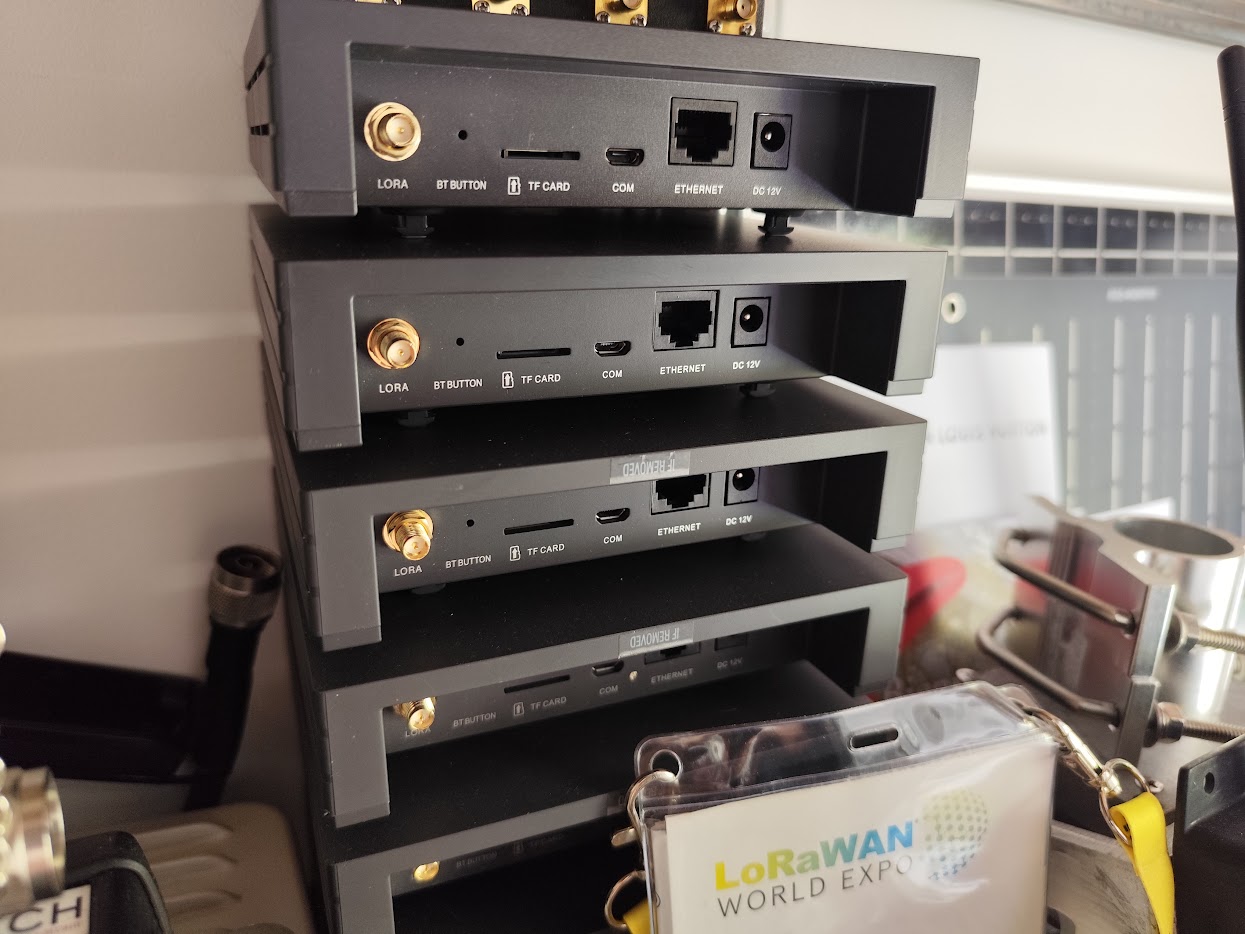
Getting a single LoRaWAN gateway online is a short checklist: mount it, give it internet, set the frequency plan, register it with the network server, and test coverage. Do it by hand and you'll be fine.
The trouble starts at scale. When you're rolling out ten, fifty, or a few hundred gateways, doing that checklist manually on each one is slow, and worse, it's inconsistent, one typo in a Gateway EUI or a mismatched frequency plan and you're troubleshooting a "dead" gateway that was simply provisioned wrong. And once a gateway is bolted to a mast on a remote site, every fix that needs a person on the roof is a scheduling problem and a real cost.
Now imagine having to change the LNS on 300 gateways. Your network server moves, or you migrate from a managed platform to self-hosted ChirpStack, and suddenly every one of those 300 gateways has to be repointed at the new backend. Done by hand, that's 300 site visits or 300 manual logins, weeks of work and a guarantee of mistakes. Done properly, it's one config change pushed to the whole fleet over their management tunnels in an afternoon. That gap, weeks of truck rolls versus an afternoon at your desk, is the entire case for automated onboarding and solid remote access, and it's why the two are worth getting right before you deploy gateway number one.
So two things make gateway fleets manageable: automating the onboarding so every gateway comes up identically, and reliable remote access so you can fix and reconfigure them from your desk. The rest of this article is about how to do both, and about the remote-access mistake that can strand a fleet you can't drive back to.
Automating the Onboarding
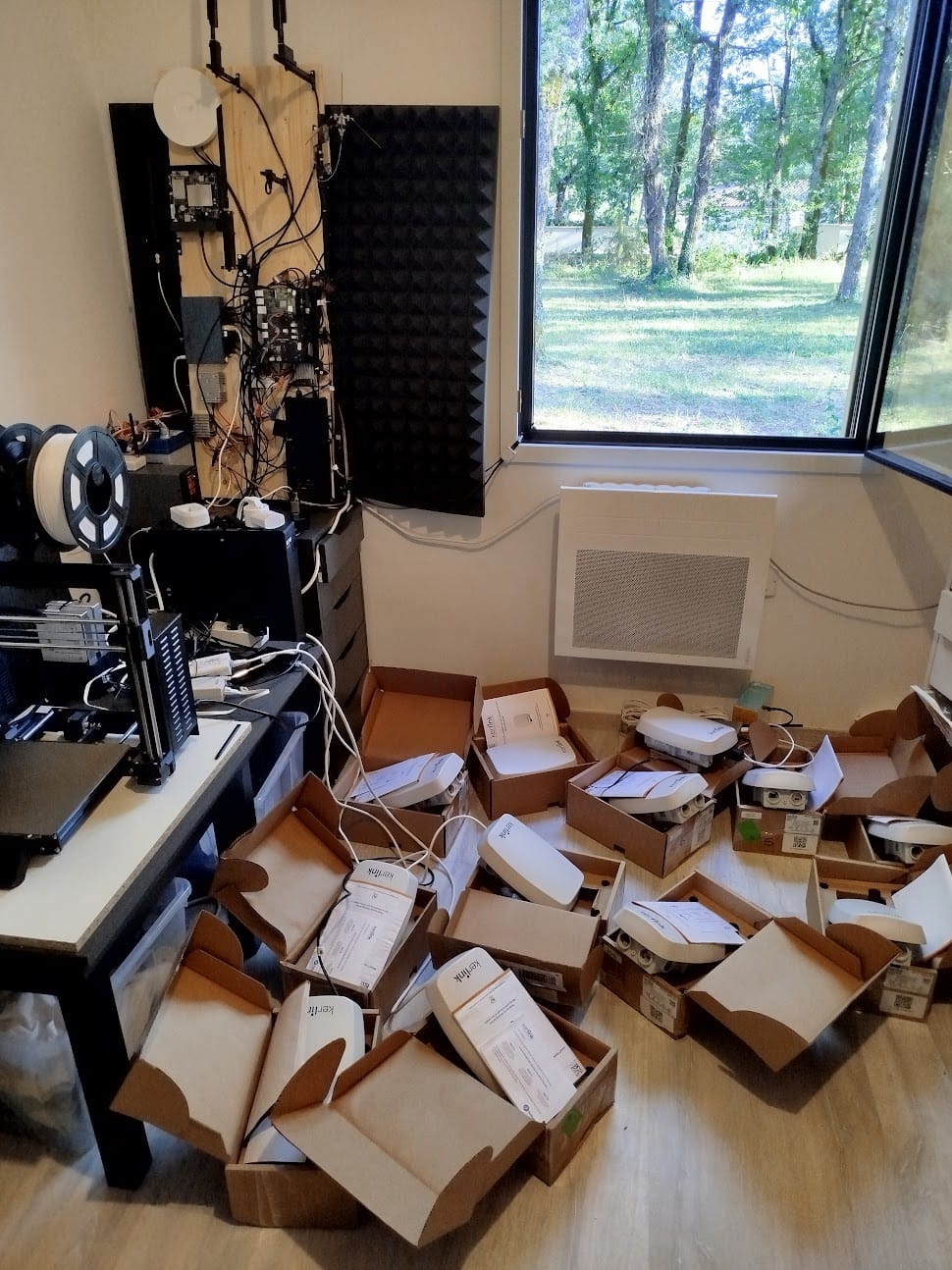
Manual onboarding is a sequence of small, error-prone steps: derive the Gateway EUI (usually from the MAC address), set the region and frequency plan, point the packet forwarder at the network server, bring up the backhaul, start the remote-access tunnel, and register the gateway in the network server. A provisioning script does all of that the same way every time.
The goal is close to zero-touch: image or flash the gateway with a known-good configuration, power it on, and have it phone home over its management tunnel and register itself, so the only per-unit input is whatever is genuinely unique to that gateway. In practice a good provisioning setup:
It generates and records the Gateway EUI consistently, so what is on the unit matches what is registered in the network server and nobody transcribes a hex string wrongly at midnight. It applies the frequency plan and packet forwarder configuration, whether Semtech UDP or Basics Station, from a template, so every gateway in a region comes up identical. It brings the remote-access VPN client up automatically on first boot, so the gateway is reachable the moment it has internet rather than the moment someone remembers to configure it. It registers the gateway with the network server through the ChirpStack API or equivalent, instead of somebody hand-entering each one into a web UI. And it is idempotent, so re-running it to reconfigure or recover a gateway produces the same result rather than a subtly different one.
The payoff is consistency at scale. Fifty gateways provisioned by a script behave the same way, fail the same way (so troubleshooting transfers), and can be re-flashed and recovered without a specialist standing next to them.
Remote Control: You Will Need It
No matter how clean the onboarding, you will need to reach gateways after they're deployed, to update firmware, change the frequency plan or network server, pull diagnostics, restart the packet forwarder, or debug why one gateway stopped forwarding. On a remote or rooftop site, doing any of that in person is expensive and slow.
The problem is that gateways almost never have a public IP. On cellular or LTE backhaul they sit behind carrier-grade NAT (CGNAT), and even on wired links they're usually behind a router you don't control. You can't just SSH to them. The answer is a management VPN: each gateway holds a tunnel to a server you control, and you reach the gateway through that tunnel. The whole fleet becomes reachable from one place.
Which VPN you choose for that tunnel matters more than people expect, and the popular default is the wrong one for field gateways.
Why OpenVPN for Gateway Remote Control
OpenVPN is session-oriented and built to keep a tunnel alive through bad conditions, which is exactly what a gateway on flaky cellular backhaul needs.
It actively detects a dead link and reconnects: with keepalives configured, the client notices the tunnel has gone quiet and rebuilds it without anyone intervening. It can point at a hostname rather than a hard-coded address, so a gateway configured to reach vpn.example.com re-resolves and reconnects when the address behind that name changes. The client always initiates, which is what keeps a gateway reachable from your side even behind CGNAT, and what gets it back after a drop instead of leaving it waiting to be contacted. And it tolerates genuinely bad links, because cellular drops, changing IPs and long outages are ordinary field conditions rather than exceptions.
The net effect: gateways stay reachable, and when a link does drop, the tunnel heals itself.
Why WireGuard Can Be a Bad Choice Here
WireGuard is excellent technology, lean, fast, and simple, and it's a great fit for stable server-to-server links or a laptop connecting to a known network. For unattended gateways on dynamic connections, though, its design has two failure modes that can leave you locked out of a device you can't drive to.
The remote gateway's address changes, and the tunnel silently dies. WireGuard is connectionless with no session and no built-in reconnect logic. It just sends encrypted packets to a peer's last-known endpoint. On cellular or CGNAT, the gateway's public address changes regularly, and when it does, the server keeps sending to the old, now-wrong endpoint. Nothing recovers this until the gateway sends a fresh handshake from its new address. PersistentKeepalive helps hold a NAT mapping open, but if the gateway's public IP has moved and no traffic originates from it, the server simply can't reach it. The tunnel looks up, the interface is there, and the gateway is unreachable, the worst kind of failure because it's silent.
The WireGuard server changes IP, and the whole fleet drops at once. This one is arguably worse. Every gateway has the server's address hard-coded as its Endpoint. If that server IP ever changes, a dynamic public IP, an ISP change, a DHCP renewal, a server migration, every gateway in the field is now pointing at an address that no longer answers, and WireGuard clients don't rediscover a moved server. Unless something reaches each gateway to rewrite its config (and you may have just lost the very access you'd use to do that), the entire fleet goes dark simultaneously, with no self-recovery. With OpenVPN pointed at a hostname, the same event is a one-line DNS update and the fleet finds its way back on its own.
None of this makes WireGuard bad software. It makes it the wrong tool for reaching unattended gateways over connections whose endpoints move, which is most real-world gateway backhaul. For remote control of field gateways, OpenVPN's session, keepalives, hostname support, and automatic reconnection are the features that keep you from making an emergency site visit.
Getting a Gateway Online: The Fundamentals
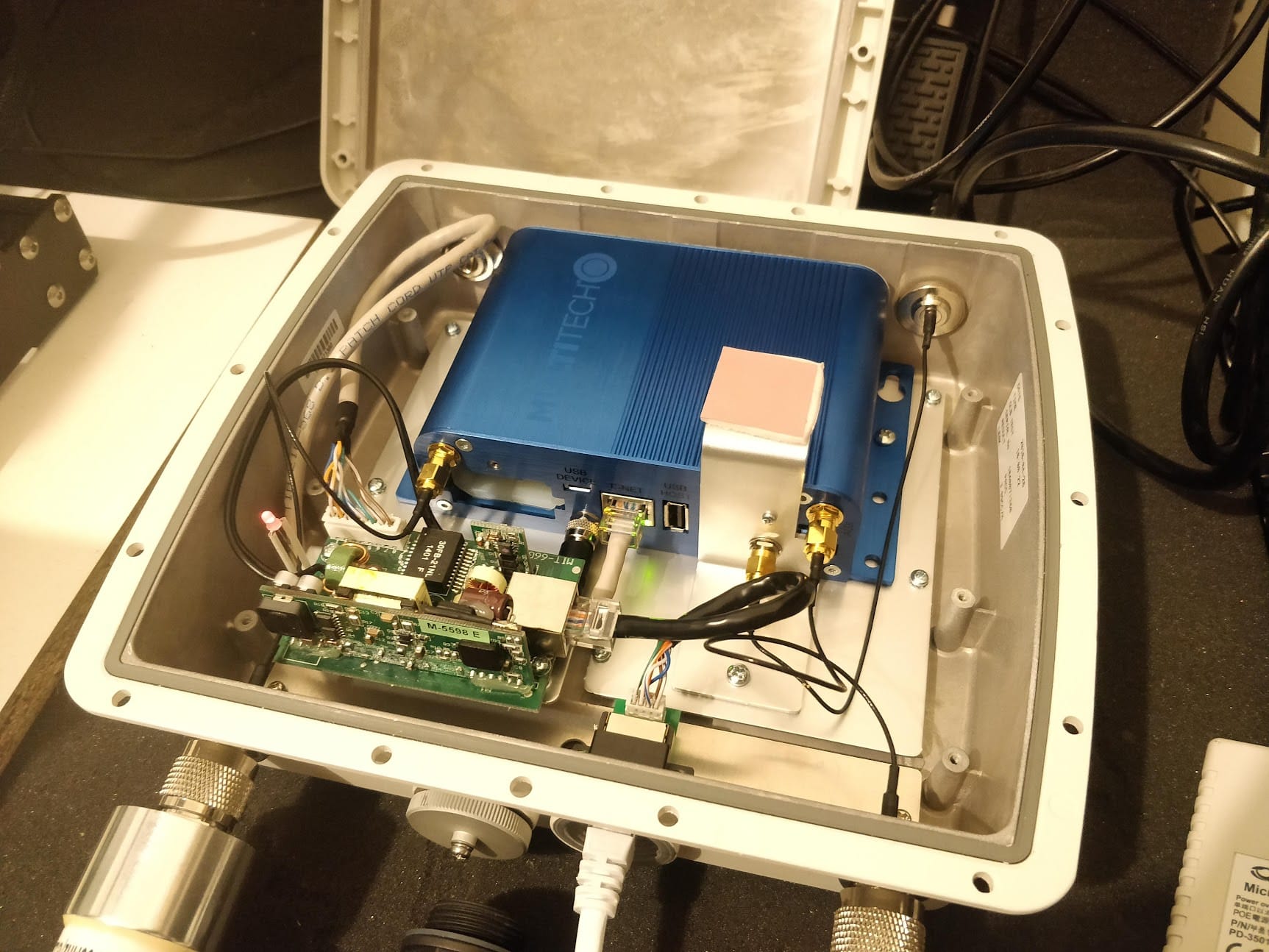
Automation and remote access sit on top of the basics, and the basics still have to be right.
1. Physical installation. Mount the gateway with the antenna vertical (omnidirectional) or aimed at the coverage area (directional). Height matters, and every meter helps, so roof mounting beats window mounting every time.
2. Network connectivity. Ethernet is preferred, with LTE as backup for remote sites. The gateway needs UDP port 1700 outbound for the Semtech packet forwarder, or the MQTT ports for BasicStation, plus outbound access for the management VPN.
3. Frequency plan. It must match your region: EU868, US915, AS923, and so on. The wrong plan means devices can't connect, because a gateway can't receive what it isn't listening for.
4. Network server registration. Generate the Gateway EUI (usually derived from the MAC address), register it in the network server, and point the gateway at the network server address, exactly the steps a provisioning script should handle for you.
5. Test with a known device. Deploy a test device transmitting every 30 seconds, confirm the network server shows the uplinks, and check that RSSI and SNR are reasonable (RSSI above -120 dBm, SNR above -10 dB for reliable communication).
Network Server Options
ChirpStack is the open-source option, self-hosted on Linux or Docker for full control with no per-device fees. It integrates easily with a time-series database and Grafana, and it exposes the API that makes automated gateway registration possible in the first place. The cost is sysadmin skill, both to set up and to keep running.
The Things Network is free and excellent for prototyping, but its Fair Use Policy caps each device at 30 seconds of airtime per day, which rules it out for high-frequency production traffic. AWS IoT Core for LoRaWAN is managed and priced per message, which makes sense when you are already committed to AWS, though it costs more than self-hosting once the fleet grows. And commercial operators such as Actility, Everynet and Senet sell managed networks with SLAs, on per-device pricing plus a setup fee, with the total varying by deployment size, message frequency and how much support you want.
Common Problems
Gateway online but no uplinks. The gateway shows connected but no device packets arrive. Check the frequency plan first, since an EU868 gateway can't hear US915 devices. Then check for a firewall blocking UDP port 1700 (Semtech packet forwarder) or the MQTT ports (BasicStation), which stops packets reaching the network server. Confirm the devices and gateway are registered on the same backend, because different network servers never talk to each other. And ensure NTP synchronization is working, since gateway clock drift breaks the precise timing Class B and Class C devices depend on.
Can't reach a deployed gateway. If a gateway drops off your management network, the VPN tunnel is the usual suspect, and on WireGuard it's often one of the two failure modes above: the gateway's endpoint moved, or the server's IP changed. Verify the last handshake time, confirm the server address still resolves and answers, and check that the gateway still has backhaul at all. This is exactly the scenario a session-oriented, hostname-based tunnel is designed to avoid.
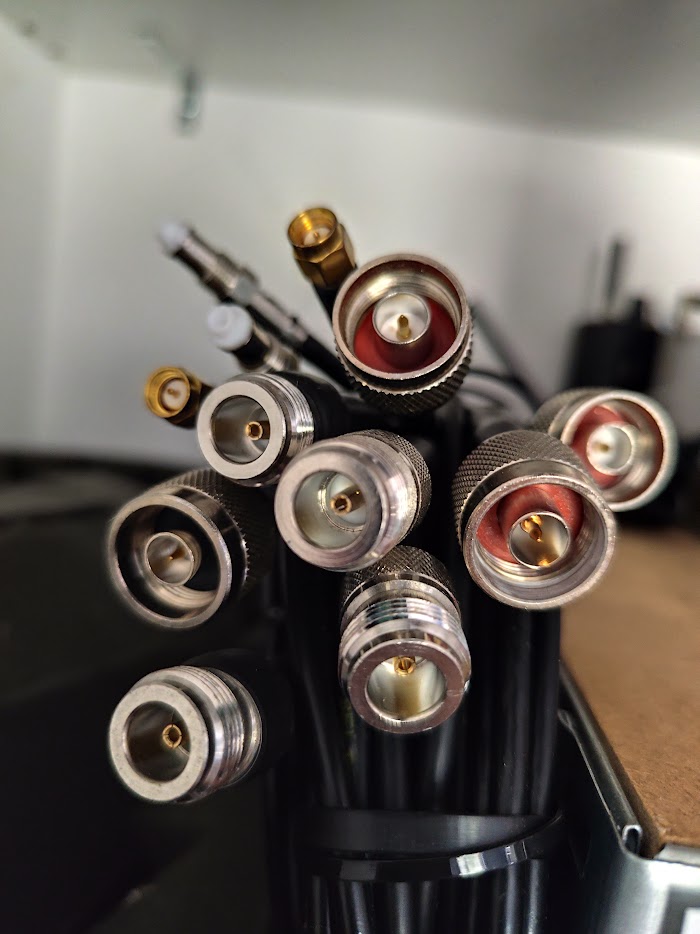
Weak signal (RSSI < -120 dBm). The usual culprit is a loose N-type or SMA connector making poor contact and gutting sensitivity, so check the antenna connection first. Beyond that, an indoor gateway trying to cover an outdoor area will fail as building materials absorb the signal, and a gateway in a basement or surrounded by metal (server racks, HVAC) will underperform. The fix is height and position: move it higher, relocate it, or deploy a dedicated outdoor gateway with a properly mounted antenna.
High packet loss. Several things cause it. Interference from other LoRaWAN networks on the same channels shows up as competing transmitters on a spectrum analyzer. Gateway CPU overload appears when it's processing hundreds of devices, so check processor usage and consider upgrading. Network server delays surface as growing queue depths when the backend can't keep pace. And channel congestion sets in when too many devices sit on SF12 (the slowest, longest-airtime rate), monopolizing capacity.
What I Provide
I build gateway fleets that onboard consistently and stay reachable: automated, near-zero-touch provisioning scripts, remote management over OpenVPN designed to survive cellular backhaul, CGNAT, and server IP changes, and the firewall, frequency plan, and network configuration around it all. On the planning side, that extends to hardware selection, network server setup (self-hosted ChirpStack or a managed platform), antenna placement, and coverage testing. The provisioning scripts, configuration templates, VPN documentation, coverage data, and troubleshooting procedures are yours to keep, with no vendor lock-in.
I work with whatever gateway hardware and network server you prefer, not pushing specific brands or platforms. The goal is a fleet that onboards consistently and stays reachable, so you spend your time on the network instead of on site visits.
Working on a LoRaWAN project?
If this article touches on something you're building, tell me about it. The first conversation is free, and you'll get an honest read on the right approach for your situation.
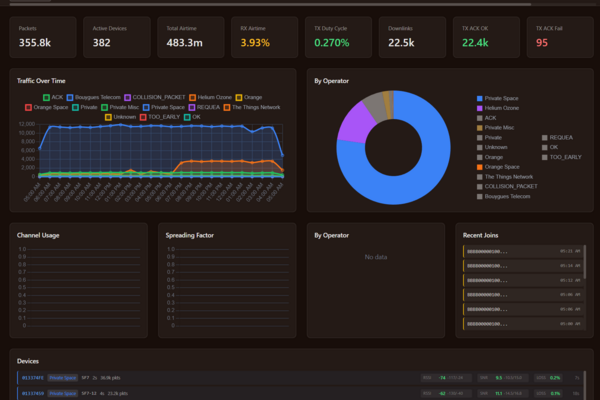
Book a Free ConsultationCurious what the finished thing looks like? Open the live demo dashboard