Grafana Dashboards for LoRaWAN Systems
Why Grafana for LoRaWAN
Grafana turns time-series sensor data into useful dashboards. Raw numbers in a database don't help anyone. Graphs showing temperature trends, gateway uptime, or water consumption patterns actually drive decisions.
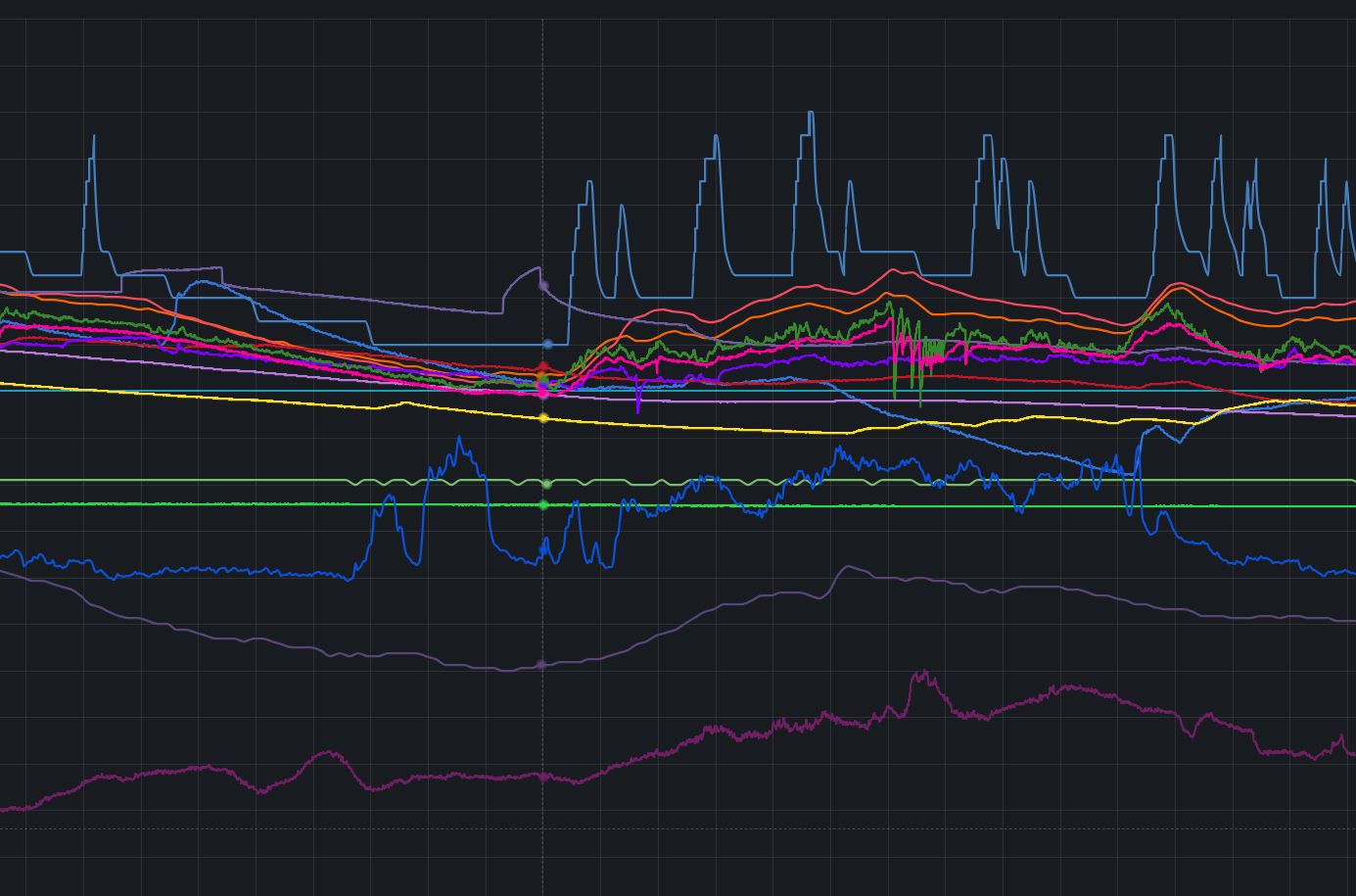
Typical LoRaWAN Dashboard Elements
Device monitoring:
Track battery levels across your sensor fleet, identifying devices needing replacement before they die. Signal strength metrics (RSSI and SNR) reveal coverage problems—weak signals indicate devices at the edge of gateway range or obstructions blocking transmission paths. Last-seen timestamps make offline devices obvious at a glance. Packet loss rates quantify reliability, distinguishing occasional missed transmissions from systematic connectivity failures. Configure alerts triggering when devices go silent or battery voltage drops below operational thresholds.
Gateway health:
Monitor gateway uptime percentages revealing infrastructure reliability. Packet count graphs show traffic patterns and identify gateways handling disproportionate load. CPU and memory usage metrics warn of resource exhaustion before gateways crash. Backhaul connectivity status confirms internet connections remain stable. Display multiple gateways on map panels with status-coded colors—green for healthy, yellow for degraded, red for offline—providing instant visual overview of network coverage.
Sensor data:
Display whatever your sensors measure—temperature, humidity, soil moisture, water flow, air quality. Historical trend graphs reveal patterns over days, weeks, or seasons. Current value stat panels provide immediate readings without scrolling through time-series data. Threshold violation markers highlight when readings exceeded acceptable ranges, triggering investigation into causes.
Data Sources
InfluxDB (most common for LoRaWAN): Time-series database. Stores sensor readings with timestamps. Flux or InfluxQL queries. Fast for millions of data points.
Prometheus: More common for infrastructure monitoring (gateway CPU, network server metrics) than sensor data. Pull model vs InfluxDB's push model.
PostgreSQL/TimescaleDB: When you need relational features plus time-series. ChirpStack uses PostgreSQL for device registry - can query device info alongside sensor data.
APIs: Direct integration with ChirpStack API, TTN API, or custom application servers. Useful for device metadata that doesn't belong in time-series DB.
Dashboard Design
Bad dashboard: Fifty panels showing every possible metric crammed onto one screen. Nobody looks at it because finding relevant information requires scanning through visual noise. More data doesn't mean more insight.
Good dashboard: Six to eight carefully selected panels showing what actually drives decisions. Combine related metrics—temperature and humidity on the same graph using dual Y-axis, revealing correlations. Display current values as stat panels for instant status, trends as line graphs for historical context. Every panel serves a purpose.
Panel types:
Time series graphs show temperature, moisture, or consumption changing over hours, days, or weeks. Stat panels display current battery level or last packet timestamp—single numbers that need visibility without time-series context. Gauge panels present soil moisture as percentage of field capacity, intuitive for quick assessment. Tables list offline devices with last-seen timestamps, making outages actionable. Geomap panels position gateways and devices on maps with status-coded colors, visualizing coverage and identifying geographic patterns.
Alerting
Configure alerts with appropriate time thresholds—trigger when temperature exceeds limits for 10+ minutes rather than on single readings, preventing false alarms from sensor glitches or brief environmental spikes. Alert when devices haven't transmitted in twice their expected interval, accounting for transmission variability while catching actual failures. Gateway offline alerts trigger immediately since infrastructure downtime affects entire sensor networks.
Deliver notifications through whatever channels your team actually monitors—email for formal documentation, Telegram or Slack for instant team notification, webhooks to custom systems for integration with ticketing or automation platforms. The alert means nothing if nobody sees it promptly.
Query Optimization
Problem: Dashboards taking 30 seconds to load because queries pull six months of raw data, scanning millions of records to render a single graph.
Solution:
Use InfluxDB downsampling or continuous queries to pre-aggregate historical data. Store 5-minute averages for data older than a week, hourly averages for data older than a month. Limit dashboard default time range to "last 24 hours"—most operational decisions need recent data, not historical archives. Let users manually select longer ranges when analyzing trends, but don't force every dashboard load to process months of data.
Common mistake:
Queries like SELECT * FROM measurements without WHERE clauses scan entire tables. Always filter by time range and device ID. Time-series databases optimize for time-based queries—use this by specifying explicit time windows. Tag-based filtering (device_id, location) uses indexed lookups. Field-based filtering scans records sequentially, killing performance.
Variables for Multi-Site Deployments
Dashboard variables create dropdowns selecting site, gateway, or device dynamically. One dashboard template serves all locations instead of duplicating dashboards for each site—reducing maintenance burden dramatically. Users select their location of interest from the dropdown, and all panels update automatically.
Implementation uses variable syntax in queries: a $device_id variable becomes WHERE device_id = '$device_id' in the query. Grafana substitutes the selected value when executing queries. Variables work with any data source supporting parameterized queries—InfluxDB, PostgreSQL, Prometheus, or API calls.
What I Provide
Services:
- Dashboard design tailored to your monitoring requirements
- Query optimization for fast loading across data sources
- Alert rule configuration and notification routing
- Integration with network server APIs and data pipelines
- Variable implementation for multi-site deployments
- Training on dashboard customization and maintenance
You own everything:
- Dashboard JSON exports (portable to any Grafana instance)
- Complete query documentation and optimization notes
- Alert rule configurations and notification channel setup
- Self-hosted Grafana installation and configuration guidance
- No vendor lock-in or ongoing licensing fees
I work with whatever visualization stack you prefer—Grafana is common for LoRaWAN but not mandatory. If you're using Kibana, custom web dashboards, or other tools, I adapt to your existing infrastructure rather than forcing platform changes.
Ready to Get Started?
Get expert guidance on implementing LoRaWAN solutions for your organization.
Let's Talk