LoRaWAN Gateway Setup and Configuration
Gateway Setup Basics
Getting a LoRaWAN gateway online involves: physical installation, network server registration, frequency plan configuration, and coverage testing. Most problems come from wrong frequency settings or firewall blocking UDP packets.
Gateway Types
Indoor gateways:
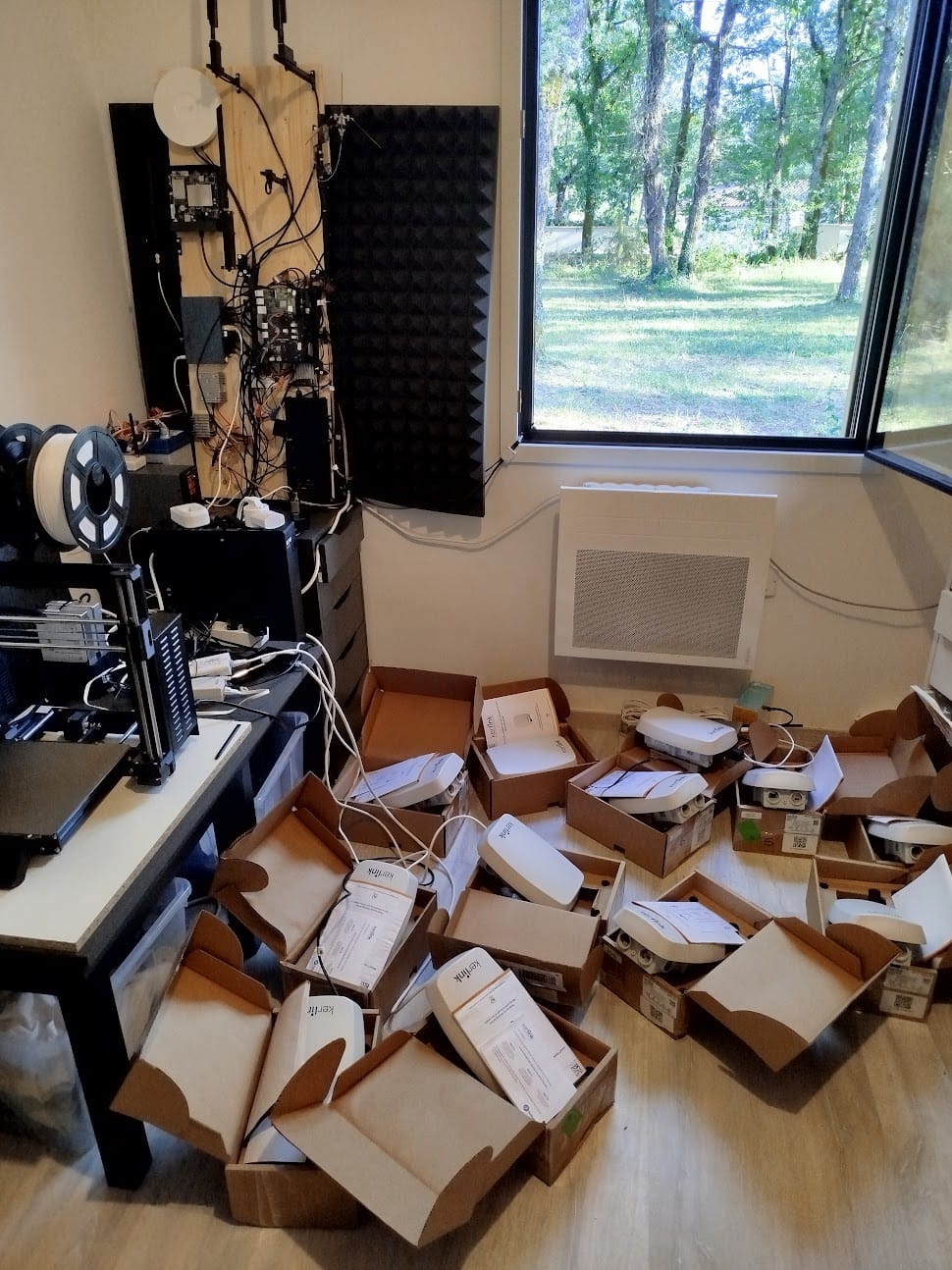
Models like Kerlink Wirnet iStation, Multitech Conduit, and SenseCAP M2 suit building coverage or dense urban deployments where gateways sit inside climate-controlled environments. Indoor placement limits range compared to outdoor installations—obstructions like walls, metal structures, and building materials attenuate signals. Useful for office buildings, warehouses, or urban areas where outdoor mounting isn't feasible.
Outdoor gateways:
Weatherproof models like Kerlink Wirnet iFemtoCell-Evolution, Cisco IXM, or outdoor-rated SenseCAP M2 variants withstand environmental exposure. Higher-gain antennas and elevated mounting positions extend coverage significantly. Rural deployments with clear line-of-sight achieve much longer ranges than urban installations where buildings block signals.
DIY gateways:
Raspberry Pi paired with SX1301 or SX1302 concentrator boards creates functional gateways at lower cost than commercial hardware. Suitable for testing, learning, or proof-of-concept deployments. Lacks production-grade reliability—Raspberry Pi SD cards fail, power supplies aren't redundant, and software updates require manual intervention. Commercial gateways justify their cost through reliability and support.
Network Server Options
ChirpStack (open source): Self-hosted on Linux/Docker. Full control, no per-device fees. Requires sysadmin skills for setup and maintenance. Integrates with InfluxDB/Grafana easily.
The Things Network (TTN): Free community network, good for prototyping. Fair Use Policy limits: 30 seconds airtime per device per day. Not for production deployments with high message frequency.
AWS IoT Core for LoRaWAN: Managed service, pay per message. Good if you're already in AWS ecosystem. More expensive than self-hosting for large deployments.
Commercial options: Actility, Everynet, Senet—managed networks with service level agreements. Per-device pricing models with setup fees. Cost structures vary by deployment size, message frequency, and support requirements.
Configuration Steps
1. Physical installation: Mount gateway with antenna vertical (omnidirectional) or pointed at coverage area (directional). Height matters - every meter helps. Roof mounting beats window mounting every time.
2. Network connectivity: Ethernet preferred. LTE backup for remote sites. Gateway needs UDP port 1700 outbound (for Semtech packet forwarder) or MQTT ports (for BasicStation protocol).
3. Frequency plan: Must match your region - EU868, US915, AS923, etc. Wrong frequency plan means devices can't connect. Gateway can't receive what it's not listening for.
4. Network server registration: Generate Gateway EUI (usually derived from MAC address). Register in network server. Configure gateway to point to network server address.
5. Test with known device: Deploy test device transmitting every 30 seconds. Check network server shows uplinks. Verify RSSI and SNR values are reasonable (RSSI > -120 dBm, SNR > -10 dB for reliable communication).
Coverage Testing
Walk/drive test with handheld device showing packet reception. Mark boundaries where SF7 (shortest range, fastest data rate) stops working. That's your practical coverage area.
Multiple gateways see same packets - this is good (redundancy). Network server deduplicates. For critical deployments, plan 20-30% gateway overlap.
Common Problems
Gateway online but no uplinks:
The gateway shows connected to the network server, but no device packets arrive. Check the frequency plan first—EU868 gateways can't hear US915 devices. Firewalls blocking UDP port 1700 (Semtech packet forwarder) or MQTT ports (BasicStation protocol) prevent packet transmission to the network server. Devices and gateways registered on different network servers never communicate—verify both use the same backend. Gateway clock drift causes problems for Class B and Class C devices requiring precise timing; ensure NTP synchronization works.
Weak signal (RSSI < -120 dBm):
Antennas not properly connected—loose N-type or SMA connectors create poor electrical contact, drastically reducing sensitivity. Indoor gateways attempting outdoor area coverage fail because building materials attenuate signals. Gateways in basements or surrounded by metal (server racks, HVAC equipment) see degraded performance. Solution: move the gateway higher, relocate to better position, or deploy dedicated outdoor gateway with proper antenna mounting.
High packet loss:
Interference from other LoRaWAN networks operating on the same channels—spectrum analyzers reveal competing transmitters. Gateway CPU overload occurs when processing traffic from hundreds of devices; check processor usage and consider upgrading hardware. Network server processing delays show up as growing queue depths—the backend can't keep pace with incoming packets. LoRaWAN channel congestion happens when too many devices use SF12 (slowest, longest airtime), monopolizing channel capacity.
What I Provide
Services:
- Gateway hardware selection based on coverage requirements and environment
- Network server evaluation (self-hosted vs managed platforms)
- Installation planning including antenna placement and mounting strategy
- Configuration assistance and troubleshooting support
- Coverage modeling, testing methodology, and optimization
- Frequency plan verification and regulatory compliance
- Firewall and network configuration guidance
You own everything:
- Self-hosted infrastructure setup documentation (if chosen)
- Complete configuration files and settings documentation
- Coverage test data, maps, and signal strength measurements
- Troubleshooting procedures and maintenance guidelines
- No vendor lock-in or ongoing dependencies
I work with whatever gateway hardware and network server you prefer—not pushing specific brands or platforms. The goal is reliable network operation that meets your coverage and capacity requirements.
Ready to Get Started?
Get expert guidance on implementing LoRaWAN solutions for your organization.
Let's Talk